
Thinking About Alternatives?
Think Linux

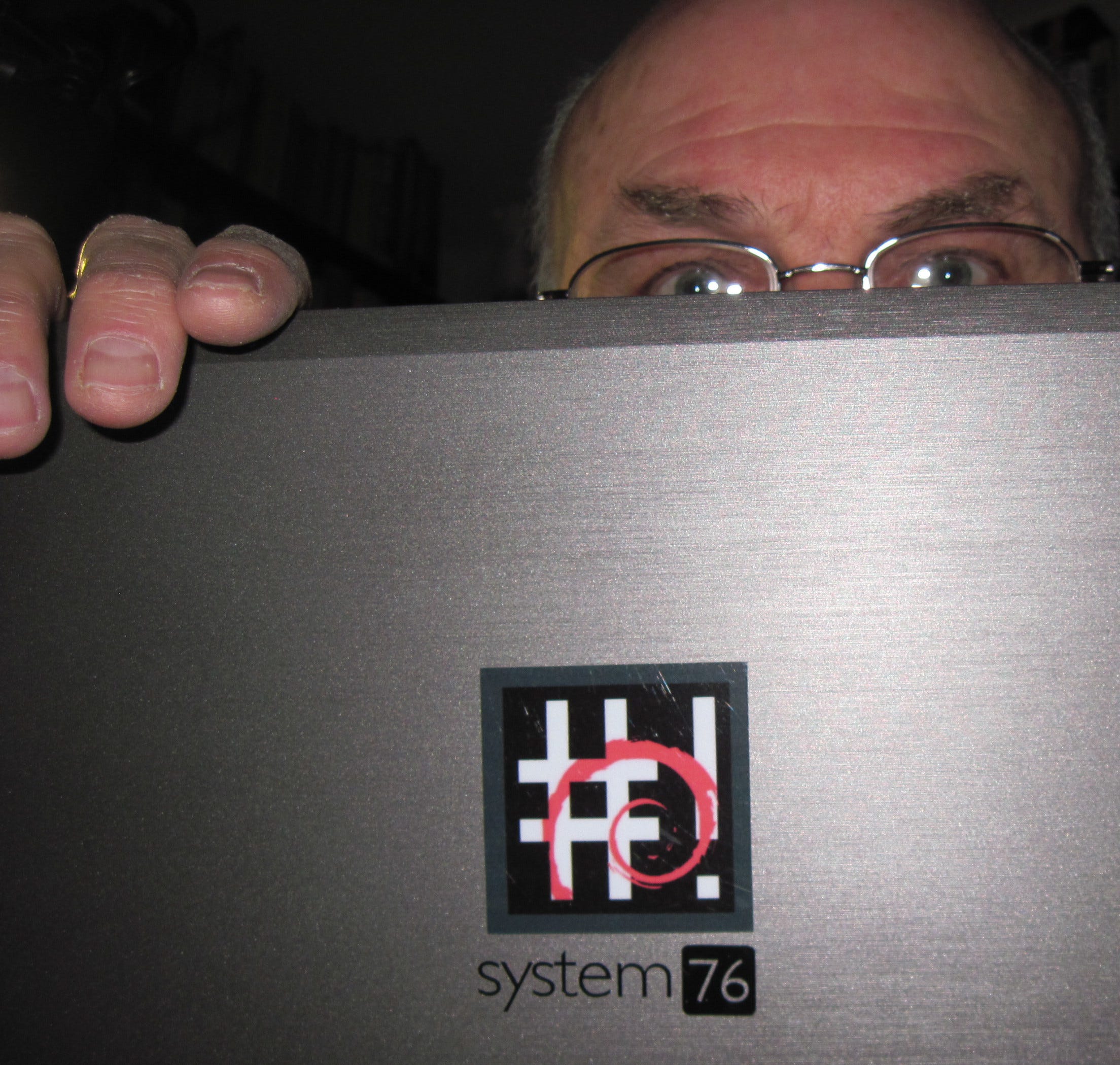
The above photo is from 2012. At the time, I used a System76 Pangolin laptop on which I installed CrunchBang Linux, also known as #!, which was one of my all-time favorites,
If you follow my posts, you know that I like to find alternatives to computer and related devices and the software many people use, or believe they should use because family members and friends do. You might remember my posts in June and August last year about how I de-Googled my Pixel phone by replacing Google Android with GrapheneOs (also Android).
Over the years, like most of you, I’ve also used Apple and Windows computers and their respective software. For a while I also used Chromebooks and Chrome OS, which, by the way, is based on Gentoo Linux. Most of my novel, The Writer of Unwritten Books, and the stories in The Prisoner & Other Stories I wrote using Google Docs.
But why switch to Linux? Perhaps you’re tired of dealing with the software bloat that comes installed with your computer’s operating system. Perhaps you want more freedom in how to configure how your computer functions as well as how your desktop environment, files, and windows look after you boot your device.
If so, there are several good reasons to consider at least trying Linux. First, it’s free; second, the apps are open source and also free, but if needed, you can download and install non-free apps as well; third, Linux gives you the freedom to configure your PC or laptop in ways that Windows or macOS doesn’t. Fourth, you can run Linux virtually from a thumb or other drive to see how it runs. Finally, after you install whatever distribution of Linux you choose, you can still keep Windows or macOS on your main drive and dual-boot from one operating system to the other.
Another advantage to Linux is you can install it on almost any PC or laptop. However, the RAM and storage capacity of your device or may limit which distribution is best suited for your needs, especially if you plan to install the distro on a older device. Even then, you can even resuscitate that aging PC or laptop you thought was destined for recycling. But if you have a newer computer with lots of RAM and storage, there are distros that can handle anything your want to run on it.
If you’re trying Linux for the first time, I recommend researching the better-known, beginner-friendly distros before taking the leap. First of all, check out posts and videos that will inform you about the pros and cons of each distro, in addition to information about such things as file and window managers, desktop environments, and the like. There are countless step-by-step videos on how to download and burn the ISO onto a drive and install and configure the distro.
In the 1990s, I began to hear increasingly more people talking about Linux as an alternative operating to Apple and Windows. What was this mysterious Linux? Was it viable? Why should I bother? However, the more I read about it, the more daunting the challenge seemed and I wasn’t that adventurous with computers and software. At least I didn’t think so….
But then I decided to take the plunge, as it were. When I replaced my Compaq PC with another computer in 2000, I figured it would be a good time to try Linux after all. My first experience was with a German Linux distribution (BTW, Linux aficionados refer to distributions as “distros.”) created by SUSE, the acronym for Software- und System-Entwicklung (Software and Systems Development). The developers called the distribution openSUSE. My then-son-in-law, a highly skilled computer network engineer, helped me install the distribution on the Compaq. Installation involved downloading the ISO file (a digital copy of a physical disc that contains all the data and file system information needed to replicate the original) and copying it on several CDs before installing it onto the computer. Using openSUSE turned out to be more challenging that I had imagined it would be and I also discovered that installing some apps were more complicated than I desired. My interest in Linux waned temporarily.
But then a British company called Canonical released in 2004 a user friendly Linux distribution called Ubuntu, As promised, it was user friendly and I easily was able to install it onto an MacBook, which initially I dual-booted with macOS.
Before long, I discovered “distro-hopping,” which means I began experimenting other Linux distributions. Like other distrohoppers, I took advantage of referring to the DistroWatch website to see which distros might interest me. Since my first attempt to try Linux, I’ve tried more than a dozen of the literally hundreds of distros available, but I stuck with only a handful for any length of time.
Like most Linux beginners, I began with Ubuntu, then Linux Mint, and then worked my way toward more advanced distros. Personally, I’m more interested in a distro, which allows a streamlined workflow and an uncluttered desktop environment. I also prefer using keyboard shortcuts and commands instead of pointing and clicking with a mouse. For this reason, I ran CrunchBang Linux and its replacement BunsenLabs. Both distros used a windows manager called Openbox, which is minimalistic and highly configurable.
Until recently, Debian, one of the original Linux distros dating back to 1993, was the distribution I always fell back on when I tired of another. Currently, I use System76’s Pop!_OS as my main driver because it allows the most freedom in how I want it to look and function. If for some reason I should change my mind, I’d either go back to Debian or possibly even BunsenLabs (which, like so many other distros, is based on Debian).
If you’re curious about which open source Linux apps I prefer and why, I’ll save that for another time if enough of my readers want to know more.
If you decide to give Linux a try, I wish you a fun experience and good luck!
Mindboggling!